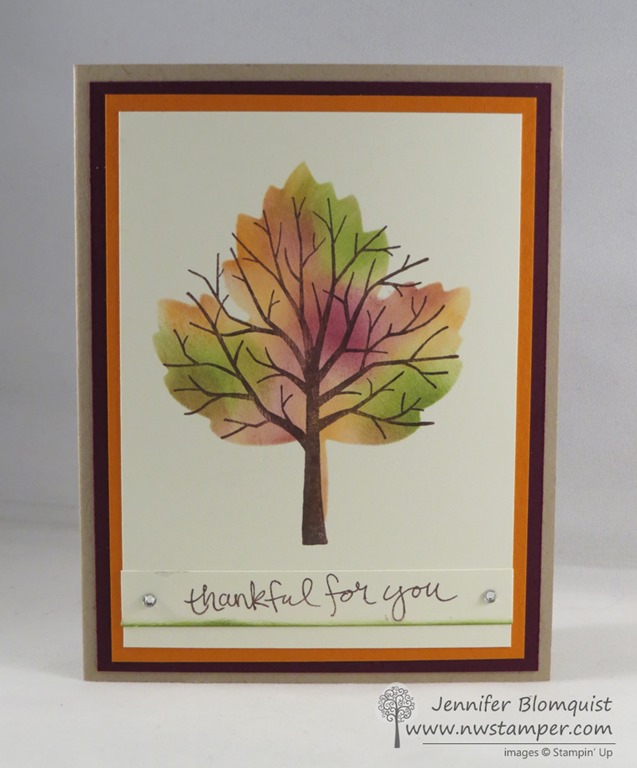
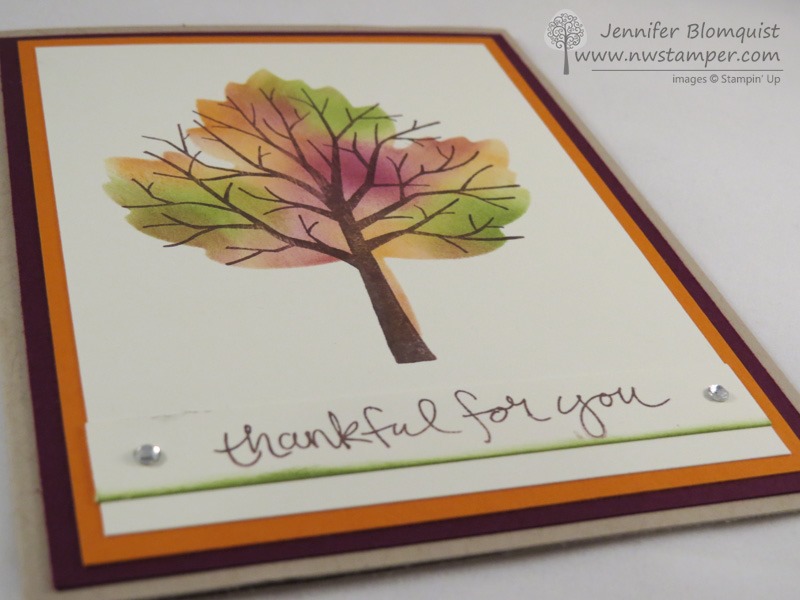
I never would have guessed that the two shapes were such a close match, and with a little coloring, they are super pretty together!
Jennifer’s Project Tips:
- Start by creating a stencil with your favorite framelit! In this case, I used the maple leaf thinlit from the Leaflet framelits and cut out a hole in a piece of computer/copy paper. You want your paper to be thin… so not a piece of cardstock so that you can get right up to the edge of the shape cleanly on all sides. You can throw away the cut out shape, you really just want the hole!
- Pick your favorite color combination – You are going to place the stencil over your cardstock and then use sponge daubers to color in the leaf. So grab your favorite 3-4 colors and matching sponge daubers to do this. I used So Saffron, Pumpkin Pie, Old Olive, and Blackberry Bliss.
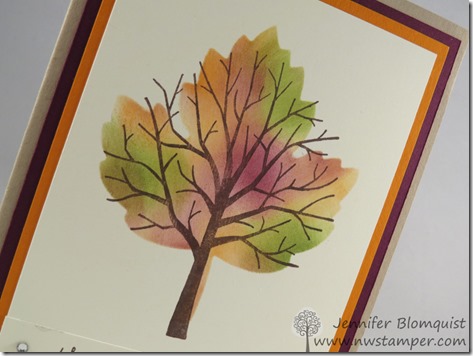
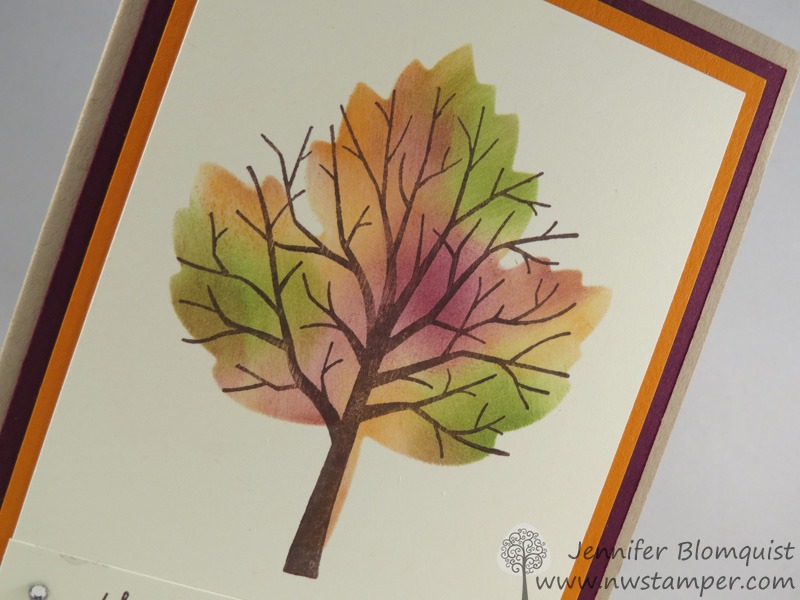
- When sponging, start with your lightest color! Mainly this is to prevent your sponge dauber from picking up the darker colors, plus it gives you a bit more control about how dark things get. Here I sponged the ENTIRE leaf with the So Saffron, then I started adding bits of the other colors hear and there to get the tie-dye look.
- Layer your stamped image on top of your sponged image – by doing the sponged image first, you can see where your stamped image needs to go, or if you want to adjust your stamped image to cover up a less than perfect spot on your sponging. Thankfully, Sheltering Tree is a photopolymer stamp (meaning it is totally clear) so I can see exactly where to line up my stamp. But if you are using a rubber stamp, you may want to use the Stamp-a-ma-jig to get things perfectly lined up.
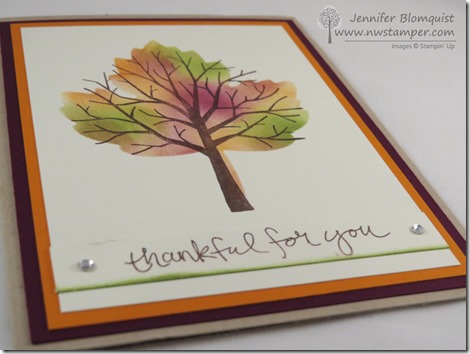
- Add a little color to your sentiment – I wanted to
ground my image, so I took a strip of cardstock for my sentiment and
stamped it in the same brown so that it would be easy to read… but then I
sponged a little of the Old Olive along the bottom to make it feel like
grass and just “ground” my tree/leaf. A little color can go a long way
for really pulling a card together!
Jennifer's Blog

No comments:
Post a Comment